
WX08K is a tri-proof mobile phone with waterproof, dustproof and shockproof functions. It is equipped with a 2.4-inch QVGA display, supports dual card dual standby, and has a built-in 1.3 million pixel camera.
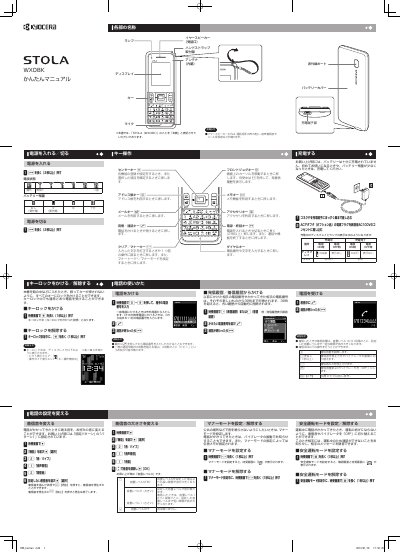
This is a Japanese user manual for the WILLCOM WX08K mobile phone. It explains basic operation: turning the power on and off, locking and unlocking the keys, charging the battery with the optional AC adapter, adjusting ringtone volume, using Manner mode and Safe Driving mode, making and receiving calls, and dialing from the outgoing or incoming call history.
The second part covers text entry with the keypad, registering and calling contacts in the address book, sending and receiving profile and phone number data by infrared communication, sending and reading Light Mail messages, and replacing the battery. The guide notes that the battery is not fully charged at purchase and should be charged before first use. This manual is written in Japanese.
| Address book capacity | 1000 entries |
|---|---|
| Call history entries stored | 30 entries each for outgoing and incoming calls |
| Light Mail message length | up to 45 double-byte characters |
| AC adapter power supply | household AC 100 V outlet |
| Default ringtone volume | Volume level 3 |
Press and hold the c key for at least 2 seconds. The same long press turns the power off.
On the standby screen, press and hold the d key for at least 1 second. You can still receive calls while the key lock is on.
Up to 1000 entries can be registered in the address book.
Light Mail messages can contain up to 45 double-byte characters.