
Key facts
- Manuals
- 1
- Languages
- JA
- Last added
- 2023-11-10
Featured WILLCOM manuals
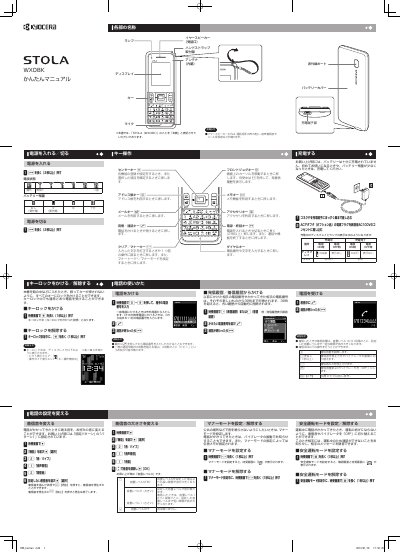
WILLCOM WX08K Mobile Phone User Manual
This is a Japanese user manual for the WILLCOM WX08K mobile phone. It explains basic operation: turning the power on and off, locking and unlocking the keys, charging the battery with the optional AC adapter, adjusting ringtone volume, using Manner mode and Safe Driving mode, making and receiving calls, and dialing from the outgoing or incoming call history.
The second part covers text entry with the keypad, registering and calling contacts in the address book, sending and receiving profile and phone number data by infrared communication, sending and reading Light Mail messages, and replacing the battery. The guide notes that the battery is not fully charged at purchase and should be charged before first use. This manual is written in Japanese.
Covers: Key operations · Turning the power on/off · Locking and unlocking keys · Charging the battery · Making and receiving calls · Changing ringtone and volume settings
Latest WILLCOM manuals
WILLCOM WX08K Mobile Phone User Manual
User Manual 2 pages · 491 KB · JAWILLCOM WX08K mobile phone user manual covering power, key lock, charging, calls, address book, text entry, infrared transfer and Light Mail.
Which document do I need?
User Manual
Day-to-day operation, settings and troubleshooting. Start here if the product is already set up.
Questions answered in WILLCOM manuals
How do I turn the WX08K power on?
Press and hold the c key for at least 2 seconds. The same long press turns the power off.
How do I lock the keys on the phone?
On the standby screen, press and hold the d key for at least 1 second. You can still receive calls while the key lock is on.