
This document describes the installation guide for Net Optics Flex Tap 800-0216-001.
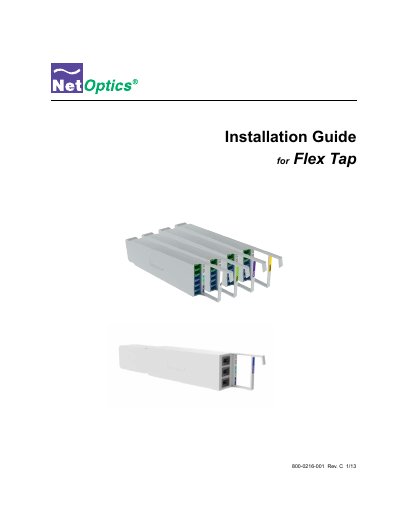
This guide provides instructions for installing the Net Optics Flex Tap 800-0216-001. It covers unpacking the device, mounting the optional rack panel, and connecting fiber optic cables to the network and monitoring ports. The device is a passive optical tap designed for high-speed networks.
| Operating Temperature | 0º to 40º C |
|---|---|
| Storage Temperature | –10º to 70º C |
| Relative Humidity | 10% minimum, 95% maximum, non-condensing |
| Tap Dimensions | 1.63 inches High x 7.82 inches Deep x 0.66 inches Wide |
| Rack Dimensions | 1.74 inches High x 8.41 inches Deep x 19.0 inches Wide |
| Supported Speeds | ATM, 1 Gigabit, 10 Gigabit, 40 Gigabit, and 100 Gigabit |
The operating temperature range is 0º to 40º C.
The storage temperature range is –10º to 70º C.
The tap dimensions are 1.63 inches High x 7.82 inches Deep x 0.66 inches Wide.
No, the Flex Tap is an all-optical design requiring no power.