
Key facts
- Manuals
- 1
- Languages
- EN
- Last added
- 2023-11-09
Featured Net Optics manuals
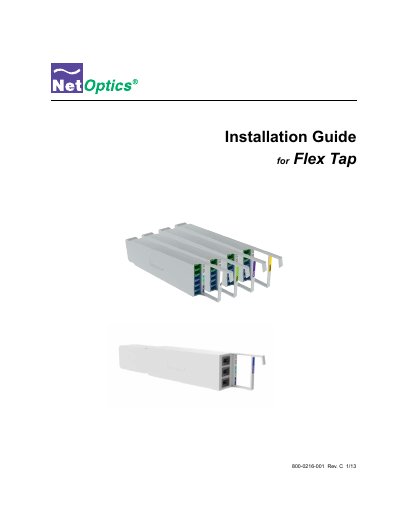
Net Optics Flex Tap 800-0216-001 Installation Guide
This guide provides instructions for installing the Net Optics Flex Tap 800-0216-001. It covers unpacking the device, mounting the optional rack panel, and connecting fiber optic cables to the network and monitoring ports. The device is a passive optical tap designed for high-speed networks.
Covers: Introduction · Key Features · Unpacking and Inspection · Unpack and Rack Mount the Flex Tap Rack Mount Panel · Unpack the Flex Taps · Connecting the Fiber Optic Cables to the Flex Taps
Latest Net Optics manuals
Net Optics Flex Tap 800-0216-001 Installation Guide
Installation Guide 13 pages · 1 MB · ENInstallation instructions for the Net Optics Flex Tap 800-0216-001, covering unpacking, rack mounting, fiber connection, and panel loading.
Which document do I need?
Installation Guide
Mounting, wiring and first power-up. Read it before the hardware goes in.
Questions answered in Net Optics manuals
What is the operating temperature range for the Flex Tap?
The operating temperature range is 0º to 40º C.
What is the storage temperature range for the Flex Tap?
The storage temperature range is –10º to 70º C.