
This document describes the features and functions of the DYNAMIC MOTION system.
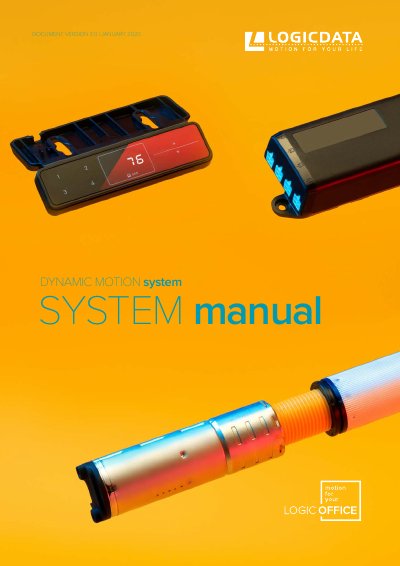
The DYNAMIC MOTION System Manual from LOGICDATA describes a group of products used to operate electrically height-adjustable tables. Document version 3.0, dated January 2020, applies to all configurations of the system and covers safety, scope of delivery, assembly, operation, software-dependent functions, collision protection, troubleshooting, disassembly, maintenance, and disposal.
The manual states that the system is for indoor use only, must be installed in compatible height-adjustable tables with LOGICDATA-approved accessories, and must not be operated unless it is clean and in perfect condition. It also lists safety notices, intended use, reasonably foreseeable misuse, residual risks, and possible problems and their solutions.
| Intended use | Electrically height-adjustable tables |
|---|---|
| Use environment | Indoor use only |
| Protection class | Protection Class III |
| Permitted power sources | SELV or PELV |
| Approved accessories | LOGICDATA-approved accessories |
It is a group of products intended to operate electrically height-adjustable tables.
No. The manual states that it is intended for indoor use only.
Disconnect the system immediately.
They may only be connected to SELV or PELV power sources.