
ToSee is a smart cloud software that supports multiple ToSee video doorbells for monitoring, intercom, video recording, PIR detection, alarm push, playback and more via local area network and internet.
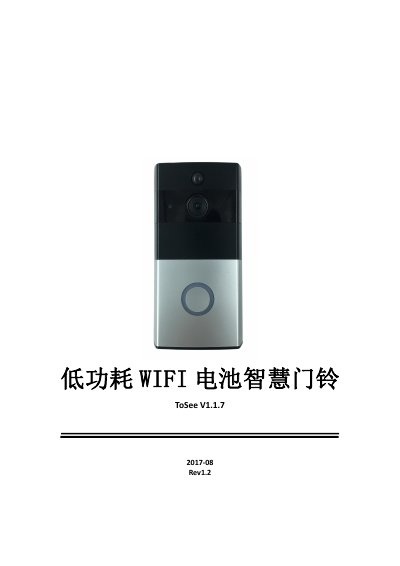
The ToSee V1.1.7 is a low-power WiFi battery video doorbell controlled through the ToSee app for Android and iOS. The manual explains installation, bridge-mode WiFi setup, QR-code device addition, and the live monitoring page with mute, SD card viewing, full screen, snapshot, two-way talk, recording, settings and sharing controls.
It also covers doorbell call and PIR motion push notifications, local files and message management, motion detection and photosensitive sensitivity, ring and talk volume, video scene modes, SD card formatting, device name and time zone changes, and firmware upgrade indicator light behavior. This manual is written in Chinese.
| Motion detection sensitivity range | 0 to 3; default 1 |
|---|---|
| Photosensitive sensitivity range | 0 to 17; default 13 |
| Ring volume range | 0 to 10; default 10 |
| Supported Android version | Android 4.2 and above |
| Supported iOS version | iOS 8.0 and above |
| Video scene modes | None / Auto / Backlight / Infrared / Strong light suppression / Motion / Wide dynamic |
Press the reset button for more than 5 seconds. After the device restarts it enters AP configuration, indicated by the red light blinking once every second.
The range is 0 to 3 and the default value is 1. Setting it to 0 means the device will not wake on motion detection.
No. The device must already be configured for the network before you scan the QR code to add it, otherwise it cannot connect or receive push messages.
The blue and red lights blink together once every second while the device is upgrading, so do not disconnect power. A blue light blinking once per second means the upgrade is complete and the device is connected normally.