
The Nura NURATRUE is a pair of wireless earbuds with active noise cancellation and personalized sound. They can be personalized through the Nura app to suit the user's hearing.
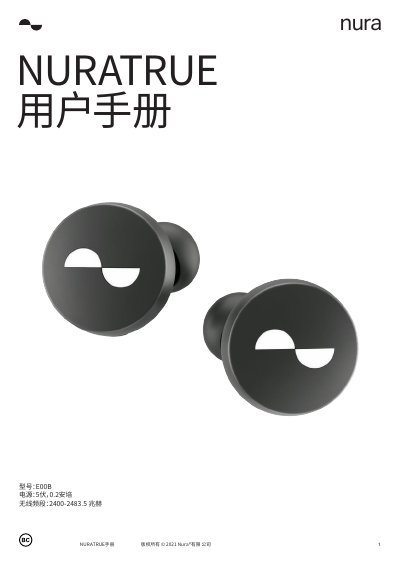
The Nura NURATRUE is a wireless headphone device that features personalized audio settings and active noise cancellation. To begin using the device, users must download the Nura application and pair the headphones via Bluetooth. The manual details the process of customizing the audio profile to fit the user's hearing and configuring the touch buttons for various functions. This manual is written in Chinese.
| Power | 5V, 0.2A |
|---|---|
| Wireless Frequency | 2400-2483.5 MHz |
| Wireless Playtime | 6+ hours |
| Total Playtime with Case | 24 hours |
| Charging Time | Approximately 2 hours |
The device turns on automatically when taken out of the charging case and turns off when placed back inside.
Press and hold the touch buttons on both sides of the headphones to enter pairing mode.
For iOS, you need iOS 9.3+ and Bluetooth 4; for Android, you need Android 5.0+ and Bluetooth 4.