
Key facts
- Manuals
- 1
- Languages
- ZH
- Last added
- 2023-11-07
Featured Nura manuals
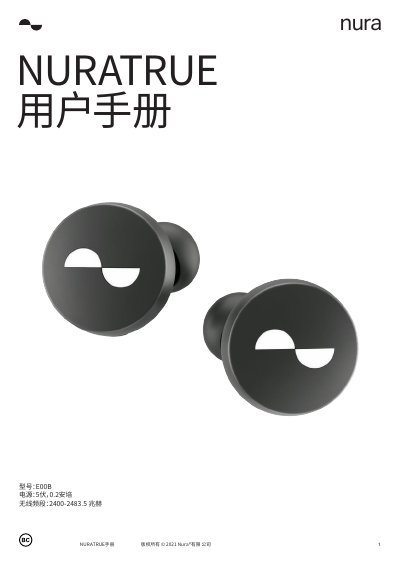
Nura NURATRUE User Manual
The Nura NURATRUE is a wireless headphone device that features personalized audio settings and active noise cancellation. To begin using the device, users must download the Nura application and pair the headphones via Bluetooth. The manual details the process of customizing the audio profile to fit the user's hearing and configuring the touch buttons for various functions. This manual is written in Chinese.
Covers: Safety Information · Getting Started · Wearing NURATRUE · Power On/Off · Bluetooth Connection · Personalization
Latest Nura manuals
Nura NURATRUE User Manual
User Manual 19 pages · 999 KB · ZHThis manual provides instructions for setting up, using, and maintaining the Nura NURATRUE wireless headphones, including pairing, app configuration, and…
Which document do I need?
User Manual
Day-to-day operation, settings and troubleshooting. Start here if the product is already set up.
Questions answered in Nura manuals
How do I turn on and off the NURATRUE?
The device turns on automatically when taken out of the charging case and turns off when placed back inside.
How do I pair NURATRUE with a new device?
Press and hold the touch buttons on both sides of the headphones to enter pairing mode.