
This document is a user guide for the Plantronics Voyager 855 headset.
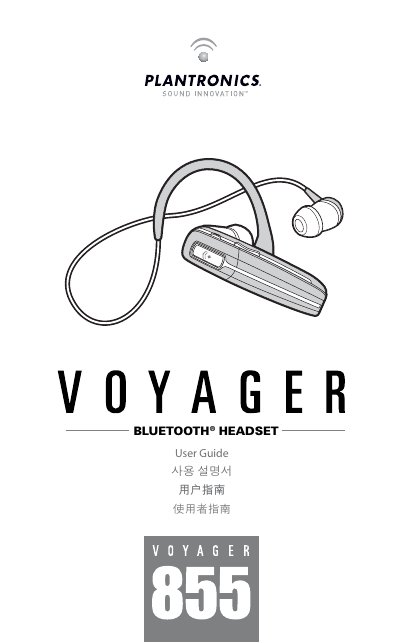
The Plantronics Voyager 855 User Guide explains how to charge, pair, wear, and operate the Bluetooth headset. It covers the included ear buds and stereo plug-in cable, headset and stereo controls, indicators, range, hands-free features, optional accessories, troubleshooting, and product specifications.
The guide gives step-by-step pairing instructions, including entering passkey 0000, and explains how to check the battery charge level. Product specifications list talk time, stereo listening time, standby time, weight, battery type, charge time, Bluetooth version, and supported profiles.
| Talk time | Up to 7 hours |
|---|---|
| Stereo listening time | Up to 6 hours |
| Standby time | Up to 160 hours |
| Range | Up to 33 feet (10 meters) |
| Headset weight | 11 grams |
| Headset weight with stereo plug-in cable | 15 grams |
| Battery type | Lithium ion |
| Charge time | 3 hours for full charge |
| Bluetooth version | Bluetooth 2.0 + EDR (Enhanced Data Rate) |
It takes approximately 3 hours to fully charge the headset. Before first use, charge it for at least 1 hour.
When prompted for the passkey, enter 0000.
While the headset is on, simultaneously press and hold the call control button and the volume down button for about two seconds; the indicator flashes red to show the charge level.
The Advanced Audio Distribution Profile (A2DP) is used for receiving high-quality audio content.