
This is a quick start guide for a syringe pump.
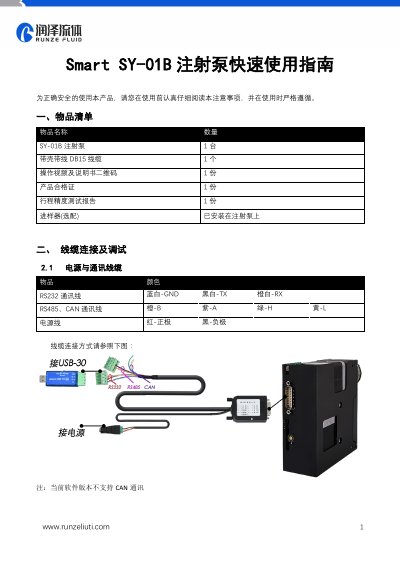
This quick start guide for the Runze Smart SY-01B syringe pump lists the delivered items, explains how the power and communication cables are wired, and walks through installing the USB-to-RS232/RS485 driver and the serialcomm debugging software from the runzeliuti.com website. It then shows example serial commands, such as the /1ZR reset command and commands for switching the valve channel and moving the piston, along with a table of quick commands.
The guide also gives basic troubleshooting for a pump that does not power on, for commands that get no reply, and for RS232/RS485 wiring mistakes, and closes with precautions. Among them: use a 24 V DC ±10%, 3 A supply, keep the ground wire connected, do not hot-plug the DB15 connector, and flush the valve channels and syringe with water or alcohol after use. This manual is written in Chinese.
| Power supply | 24 V DC ±10%, 3 A |
|---|---|
| Default baud rate | 9600 bps |
| Communication interfaces | RS232, RS485, CAN (not supported by the current software version) |
| Included cable | DB15 cable with housing |
| Model | SY-01B |
The factory default baud rate is 9600 bps; it is set in the debugging software together with the serial port.
It requires a 24 V DC ±10%, 3 A supply, and when a linear power supply is used the voltage and current must be set to those values.
The /1ZR command is the reset command; a reply with byte B3 showing 40 means the reset succeeded.
Check that the correct serial port is selected in the device manager, and that the RS232 TX/RX or RS485 A/B lines are not reversed.