
This document is the installation manual for the 45391 IQ plus ® 710 Digital Weight Indicator Version 1.4. It describes the features and specifications of the product and provides detailed installation instructions.
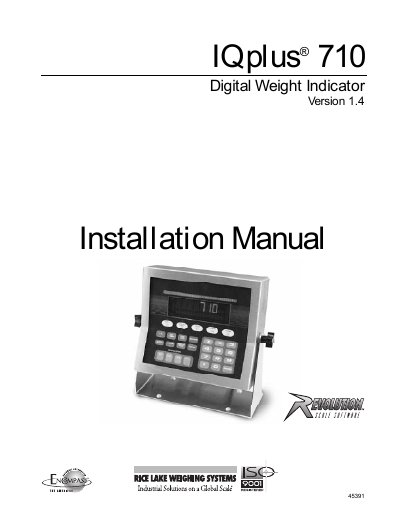
The Rice Lake IQ plus 710 is a single-channel digital weight indicator housed in a NEMA 4X/1P66-rated stainless steel enclosure. This manual applies to indicators using Version 1.4 software and is intended for service technicians responsible for installing and servicing the indicator.
The manual covers operating modes, front panel display and operations, installation, configuration, calibration, EDP commands, print formatting, setpoints, macro programming, and appendix information. Configuration and calibration can be done using the front panel keys, the EDP command set, or the Revolution configuration utility.
| Enclosure | NEMA 4X/1P66-rated stainless steel |
|---|---|
| Display | Seven-digit, 14-segment vacuum fluorescent display |
| Front panel keypad | 29-button keypad |
| Digital inputs | Eight configurable digital inputs |
| Digital outputs | Eight digital outputs |
| EDP port | Full duplex RS-232 or RS-485 communications at up to 19200 bps |
| Optional analog output | 0-10 VDC or 4-20 mA tracking of gross or net weight values |
| Power versions | 115 VAC and 230 VAC versions |
Remove the large fillister head screw from the enclosure backplate, insert a screwdriver or similar tool into the access hole, and press the setup switch once.
It supports full duplex RS-232 or RS-485 communications at up to 19200 bps.
The IQ plus 710 has eight configurable digital inputs.
The front panel uses a seven-digit, 14-segment vacuum fluorescent display.