
This technical manual covers installation, configuration, calibration, and operation of the Rice Lake 120 Digital Weight Indicator.
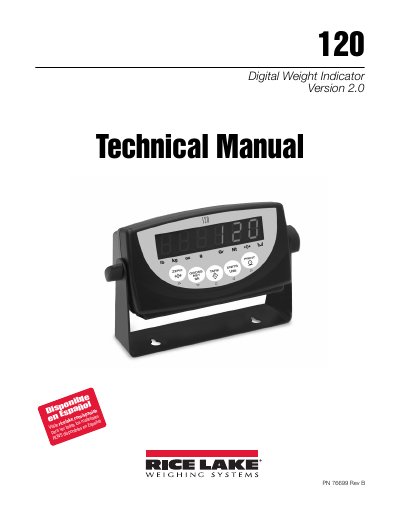
The Rice Lake 120 is a single-channel digital weight indicator housed in a durable plastic enclosure. It features a six-digit LED display and a five-button keypad, supporting up to four 350 Ω or eight 700 Ω load cells with 4- and 6-wire connections. The device includes an Electronic Data Processing (EDP) port for RS-232 communications and a printer port for output.
| Load Cell Support | Up to four 350 Ω or eight 700 Ω load cells |
|---|---|
| Load Cell Connections | 4- and 6-wire |
| EDP Port Speed | Up to 38400 bps |
| Printer Port Speed | Up to 9600 bps |
| NTEP Certification | Classes III and III L at 6,000 divisions |
Remove the large fillister head screw from the enclosure backplate, insert a non-conductive tool into the access hole, and press the setup switch once.
Yes, configuration and calibration can be accomplished using the indicator front panel keys, the EDP command set, or the Revolution configuration utility.