
Apollo Touchscreen Thermostat User Manual
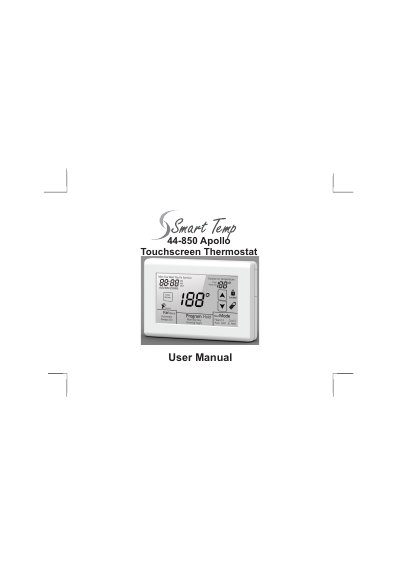
The Smart Temp 44-850 Apollo is a touchscreen thermostat. The manual says it should be installed and configured by a professional heating and air conditioning contractor and explains the touchscreen display, mode and fan selection, temperature settings, programming, and overrides.
The document covers conventional gas/electric heating and cooling and heat pump/fossil fuel equipment configurations, including E.Heat mode. It also describes 7-day scheduling with 4 or 2 daily events, a programmable fan option, Adaptive Recovery, Clean Screen, low-battery indication, and changing the two AA alkaline batteries. A footer identifies Smart Temp and www.thermostat.com.au, and the document is dated © Smart Temp 2015.
| Battery type | Two AA alkaline batteries |
|---|---|
| Time format | 12-hour with AM/PM indication |
| Calendar display | Day, month, year for Celsius; month, day, year for Fahrenheit |
It uses two AA alkaline batteries. The manual says to use fresh alkaline batteries only.
E.Heat mode uses only the auxiliary heat source and locks out the heat pump.
Touch Clean Screen and use a slightly moistened clean, non-abrasive cloth while normal operating functions are hidden and locked.
If the batteries are swapped out in less than 5 minutes, the current time remains unaffected.