
This manual introduces how to install and operate the SMT-AZC thermostat.
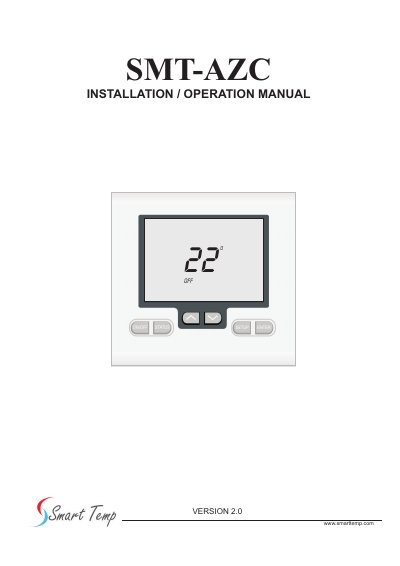
The Smart Temp SMT-AZC is a zone control thermostat designed to work with Smart Temp 24V zone dampers. It features a dedicated subbase for mounting and includes dedicated screw terminals for wiring to actuators and sensors. The device supports both two-position and fully modulating damper control modes.
| Input Voltage | 24 VAC 50/60 Hz |
|---|---|
| Relay Rating | 24 VAC @ 1Amp per relay |
| Operating Temperature | 23° F to 122° F |
| Operating RH | 0-95% (non-condensing) |
| Size | 4-7/16" W x 4-1/16" H x 7/8" D |
| LCD Display Size | 2-3/4" W x 1-7/8" H |
| Temperature Sensor | 10K NTC type 3 |
| Accuracy | +/- 1° F @ 77° F |
| Control Range | 36° F to 96° F |
| Back Light Life | 3,000 hours to half brightness |
| Communications Protocol | Modbus |
| Warranty | 3 Years |
Set Switch 1 in the ON position after setup is completed. A padlock icon will show on the LCD.
Set Switch 2 to ON for Celsius or OFF for Fahrenheit before proceeding to the setup menu.
The factory default is 90 seconds, which is the time it takes the actuator to drive the damper blade fully open or fully closed.
Press and hold the SETUP key until DAMPER OPEN or DAMPER CLOSE appears, use UP or DOWN to show only DAMPER, then press ENTER.