
RAK3172 WisDuo LPWAN Module Quick Start Guide

The RAK3172 WisDuo LPWAN Module is a low-power wide-area network module that supports LoRaWAN and FSK protocols. The module has the following features:
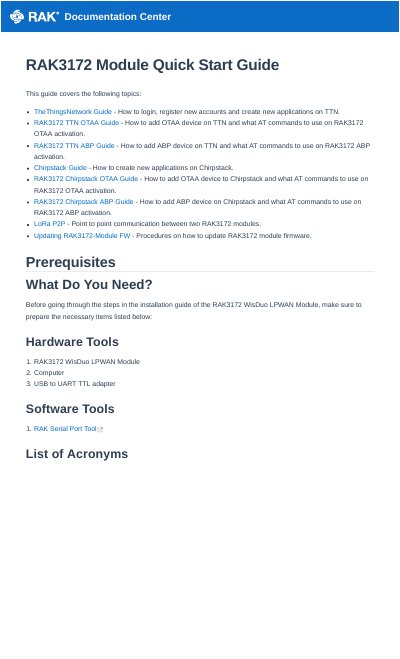

RAK3172 WisDuo LPWAN Module Quick Start Guide - cover page
Brand
RAK
Category
Other Electronics
Document type
User Manual
Language
English
Pages
48
File format
PDF
File size
4.3 MB
Published
07 November, 2023
Updated
07 November, 2023
MD5 checksum
E54157C4F0C7EA448A71A985DC78FB43

About this manual

This guide provides instructions for configuring the RAK3172 WisDuo LPWAN module using AT commands via a USB to UART TTL adapter. It details the process of connecting the module to The Things Network (TTN) and Chirpstack platforms, including steps for Over-The-Air Activation (OTAA) and Activation-By-Personalization (ABP).

What's inside

  • Product Configuration
  • Interfacing with RAK3172
  • Connecting to The Things Network
  • TTN OTAA Device Registration
  • TTN ABP Device Registration
  • Chirpstack Guide
  • LoRa P2P Communication
  • Updating RAK3172 Module FW
  • Prerequisites
  • List of Acronyms

Frequently asked questions

How is the RAK3172 configured?

The RAK3172 can be configured using AT commands sent through its UART interface.

What serial settings should be used to connect to the RAK3172?

Use 9600 baud, 8 data bits, 1 stop bit, and parity NONE.

What happens when you send the AT command to the RAK3172?

Sending AT will display OK.

Where must the RAK3172 be located to send data to The Things Stack?

It must be located inside the coverage of a LoRaWAN gateway connected to The Things Stack server.

Download PDF (4.3 MB)

More RAK Manuals


View all RAK manuals →