
The PTK5507 v1.0 Touchscreen User Manual introduces the features and functions of the product.
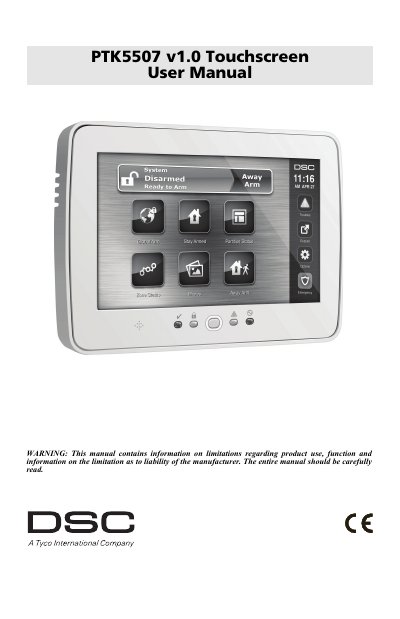
The DSC PTK5507 Touchscreen is an interactive touch-sensitive color LCD keypad for use on PowerSeries v4.2 and greater control panels. The document explains the welcome screen, emergency key, arming and disarming, alarm sounds, zone status, access codes, user functions, keypad configuration, reference sheets, and system testing.
The manual also gives safety, handling, cleaning, and troubleshooting instructions, and lists product specifications such as the 7-inch TFT display, dimensions, operating environment, and SD card support for photos.
| Display | 7" TFT (800 x 480 pixel) Color Touchscreen |
|---|---|
| Dimensions | 8.5" x 5.1" x 0.8" |
| Operating environment | 10°C to +55°C (14°F to 131°F) |
| Relative humidity | 5% to 93% |
| SD card size | 32 x 24 x 2.1 mm |
| Maximum SD card size | 32GB |
| Horizontal viewing angle | 70° (typ.) |
It can be used on any PowerSeries v4.2 and greater control panel.
The Ambulance and Panic keys are ON by default.
Breathe on the surface and gently wipe it with a soft, dry cloth; if still not clean, moisten the cloth with isopropyl alcohol.
The maximum supported SD card size is 32GB.