
This guide explains how to set, arm, bypass zones, change the password, and use emergency call functions of the DSC alarm system.
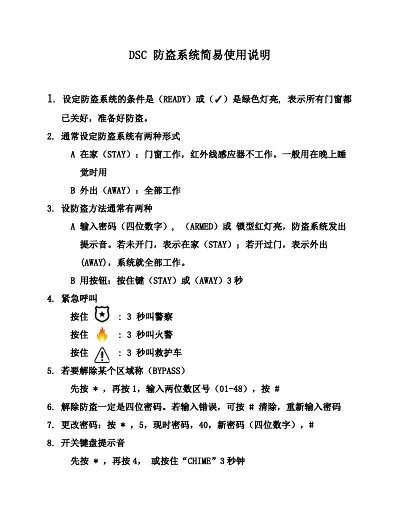
The document provides step‑by‑step instructions for everyday use of the DSC alarm system, covering system readiness, arming modes, and emergency call procedures. It is intended for users who need quick reference on operating the system safely.
Key functions include setting the system to Stay or Away mode, bypassing specific zones, changing the four‑digit password, and enabling or disabling the keypad chime. Emergency call buttons for police, fire, and ambulance are also described. This manual is written in Chinese.
| Ready indicator | Green light when all doors/windows are closed |
|---|---|
| Armed indicator | Red lock light when system is armed |
Press and hold the Stay button for 3 seconds.
Press * , then 5, enter current password, then 40, then the new four‑digit password, and finish with #.
Holding the button for 3 seconds calls police, fire, or ambulance respectively.