
The QuickScan® QS2500 is a handheld bar code scanner that features the following:
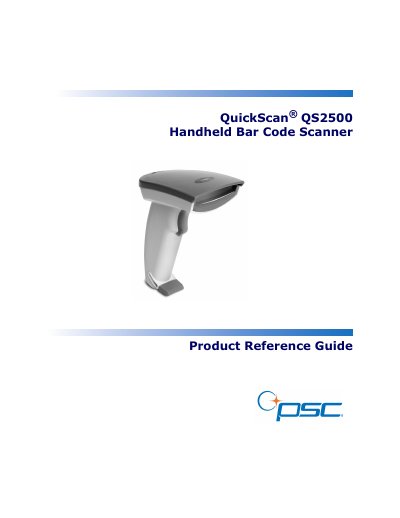
The PSC QuickScan QS2500 Product Reference Guide explains how to set up and configure the handheld bar code scanner. It gives installation steps for Keyboard Wedge, Wand Emulation, RS-232, USB, and IBM connections.
The guide describes programming by scanning bar codes and notes the Configurator Express software utility. It also covers resetting to factory defaults, interface options, scanning settings, beep/tone/LED settings, label editing, symbology settings, and appendices with default settings and ASCII codes.
| Equipment type | Linear Imager Handheld Barcode Scanner |
|---|---|
| Supported interfaces | Keyboard Wedge, RS-232, Wand Emulation, IBM and USB |
| Keyboard Wedge compatibility | Most popular PCs and IBM terminals |
The guide lists Keyboard Wedge, RS-232, Wand Emulation, IBM and USB.
Scan a series of programming bar codes in the correct order, including Start Program, Option, alphanumeric characters, Store Settings, and Exit.
Scan the two reset bar codes in the order shown.
Disabling Code 39 prevents the scanner from reading the bar code labels in this manual.