
This manual contains detailed information on the Magellan® 1000i Omni-Directional Imaging Scanner, including specifications, features, usage instructions, and maintenance.
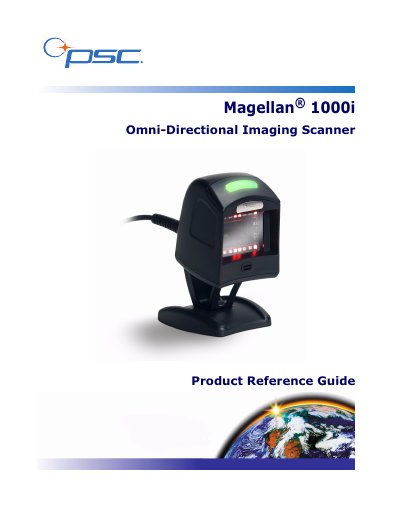
This guide provides detailed instructions for connecting and programming the Magellan® 1000i scanner. It covers interface settings, bar code scanning, error handling, and technical specifications. The scanner supports multiple interfaces including RS-232, IBM-USB, and USB Keyboard. It is designed for hands-free and handheld scanning with advanced imaging performance.
The manual includes sections on scanning features, interface selection, error codes, and supported symbologies. It also provides default settings and programming instructions for various bar code formats such as UPC-A, EAN-13, Code 39, and Code 128. Users can customize settings via bar codes or terminal commands.
| Scanner Dimensions | A-1 |
|---|---|
| Physical Properties | A-2 |
| Electrical Parameters | A-2 |
| Environmental Parameters | A-2 |
| Other Parameters | A-2 |
Connect using an RS-232 cable or USB cable, depending on the interface. For RS-232, ensure power is off and connect the cable. For USB, plug into a USB port. Use an AC adapter if needed for power.
The scanner supports a wide range of bar codes including UPC-A, EAN-13, Code 39, Code 128, Interleaved 2 of 5, Codabar, Code 93, MSI/Plessey, and Standard 2 of 5.
Reset the scanner to default settings by scanning the bar codes provided in this guide or by using terminal commands.