
This document describes how to use NAS GPU resources, including how to apply for GPU resources and how to use GPU resources.
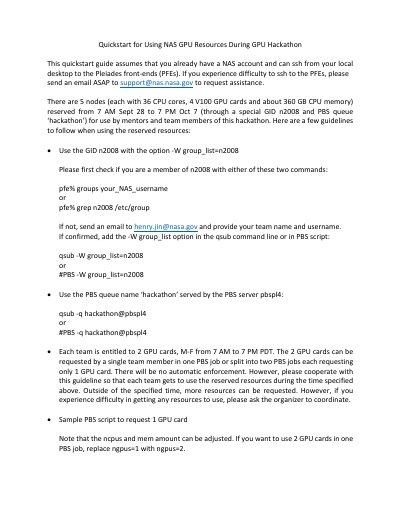
This quickstart guide is for mentors and team members using the NASA NAS GPU resources reserved for a GPU Hackathon. It assumes the reader already has a NAS account and can SSH from a local desktop to the Pleiades front-ends.
The guide covers checking membership in the n2008 group, submitting jobs to the hackathon PBS queue on pbspl4, requesting one or two GPU cards, and using a sample PBS script or an interactive PBS session. It also shows how to check job status with qstat and delete jobs with qdel.
| Reserved nodes | 5 |
|---|---|
| CPU cores per node | 36 |
| GPU cards per node | 4 V100 |
| CPU memory per node | about 360 GB |
| Reservation period | 7 AM Sept 28 to 7 PM Oct 7 |
| Special GID | n2008 |
| PBS queue | hackathon |
| PBS server | pbspl4 |
| Per-team GPU entitlement | 2 GPU cards, M-F 7 AM to 7 PM PDT |
Use the groups command with your NAS username or grep n2008 in /etc/group.
Use qsub -q hackathon@pbspl4, or add #PBS -q hackathon@pbspl4 in a PBS script.
Each team is entitled to 2 GPU cards, Monday through Friday from 7 AM to 7 PM PDT.
Use qstat to check status and qdel to delete a job; the guide shows both commands with @pbspl4 and from the PBS server.