
The XZ Color sensor can detect the color of objects that are held against or placed upon the sensor.
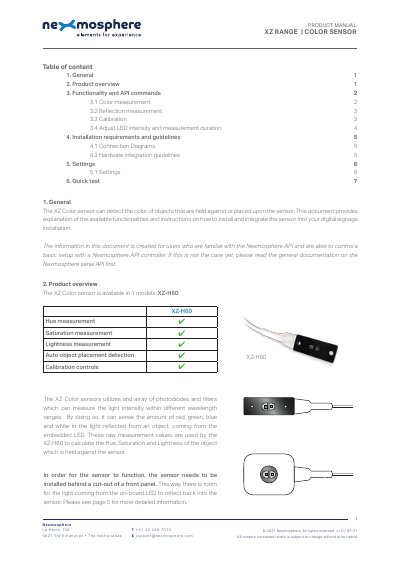
The Nexmosphere XZ Color sensor detects the color of objects held against or placed upon it. Using an array of photodiodes and filters, it measures the red, green, blue and white light reflected from the object by the embedded LED, and the XZ-H60 model uses these values to calculate Hue, Saturation and Lightness. The manual documents the available functionalities, the corresponding Nexmosphere serial API commands, and the settings for LED intensity, measurement duration and factory reset. It is written for users already familiar with the Nexmosphere API and able to control a basic setup with a Nexmosphere API controller.
The sensor is available in one model, the XZ-H60, and connects to any X-talk interface, so it works with all Xperience controllers. It must be installed behind a cut-out in a front panel so light from the on-board LED can reflect back into the sensor; the manual gives connection diagrams and hardware integration guidelines, including background and white calibration procedures and a quick test section.
| Model | XZ-H60 |
|---|---|
| Recommended front panel cut-out diameter | 10 mm |
| Recommended front panel thickness | 3-5 mm |
| Measurement LED intensity range | 001-100 (default 100) |
| Measurement duration range | 1-5 (default 3) |
| Hue output range | 000-360 |
| Saturation output range | 000-100 |
| Lightness output range | 000-100 |
| Reflection value range | 000-999 |
It measures the Hue, Saturation and Brightness of an object placed against the sensor, and can also output only one of these values.
It can be connected to any X-talk interface and is therefore compatible with all Xperience controllers.
No. Both the background and white calibrations are stored in the sensor's memory.
It must be installed behind a cut-out in a front panel, for which a circular cut-out of 10 mm diameter is recommended.