
Adobe Creative Cloud Suite Quick Reference Guide

This guide explains how TAFE NSW students can install the ADOBE Creative Cloud Suite.
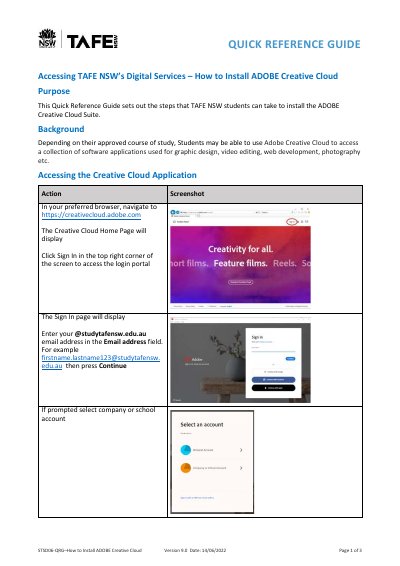

Adobe Creative Cloud Suite Quick Reference Guide - cover page
Brand
Adobe
Category
Other software
Document type
Other
Language
English
Pages
3
File format
PDF
File size
206 KB
Published
06 November, 2023
Updated
06 November, 2023
MD5 checksum
D56D6571851552F1C7FAC597A37D7633

About this manual

This quick reference guide explains how TAFE NSW students can sign in to Adobe Creative Cloud using their @studytafensw.edu.au email address and access applications associated with their approved course of study.

It also describes how to download Creative Cloud applications from the Available in your subscription section, notes that Trials or Learn More items may not be accessible, and lists support options for installation difficulties.

What's inside

  • Purpose
  • Background
  • Accessing the Creative Cloud Application
  • Downloading the Creative Cloud Applications
  • For More Information

Frequently asked questions

What email address do students use to sign in to Adobe Creative Cloud?

Students enter their @studytafensw.edu.au email address, such as [email protected].

What does it mean if an application shows Trials or Learn More?

The student may not have access to that application and should check with their teacher.

Who can students contact if they have difficulty installing Adobe Creative Cloud?

They can call the TAFE NSW Student Technology Service Desk on 131601 or lodge an enquiry using the Get Technology Help Form.

Download PDF (206 KB)

More Adobe Manuals


View all Adobe manuals →