
PTQ-104S Rev2 Quantum Platform IEC 60870-5-104 Server User Manual
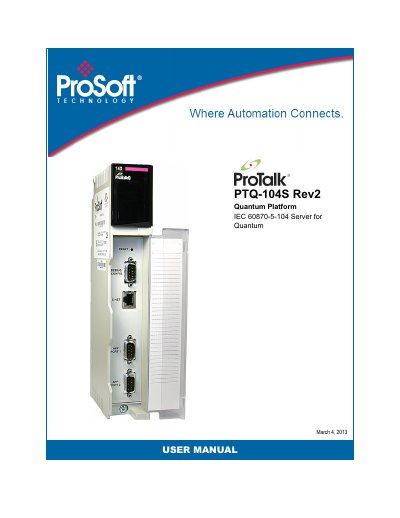
This user manual from ProSoft Technology covers the PTQ-104S Rev2, an IEC 60870-5-104 server module for the Quantum platform, dated March 4, 2013. It starts with hardware and software requirements, installing ProSoft Configuration Builder, fitting the ProTalk module in the Quantum rack, connecting the PC to the configuration/debug port, and Ethernet configuration.
The manual then explains configuring the processor with Unity Pro, Concept and ProWORX, module configuration and backplane data exchange, downloading the project to the module over serial or Ethernet, Hot Standby support, and diagnostics and troubleshooting through the configuration/debug menu and LED indicators. Warnings for Class I, Division 2 and ATEX installations plus electrical ratings are also given.
| Backplane Current Load | 1100 mA maximum @ 5 Vdc ± 5% |
|---|---|
| Operating Temperature | 0°C to 60°C (32°F to 140°F) |
| Storage Temperature | -40°C to 85°C (-40°F to 185°F) |
| Shock | 30 g operational; 50 g non-operational |
| Vibration | 5 g from 10 to 150 Hz |
| Relative Humidity | 5% to 95% (without condensation) |
| Maximum battery load | 200 μA |
| Maximum battery charge voltage | 3.4 VDC |
It operates from 0°C to 60°C (32°F to 140°F) and can be stored from -40°C to 85°C (-40°F to 185°F).
The manual describes installing and using ProSoft Configuration Builder to set up the project and module parameters.
Yes, it includes a Hot Standby Support section describing identical configurations and primary and standby controllers.
The markings listed are CSA/cUL, CSA and CB Certified, with ATEX warnings and conditions of safe usage also provided.