
ProSoft Technology MVI56E-MNET/MNETXT Modbus TCP/IP Interface Module User Manual

This user manual covers installation, configuration, ladder logic programming, diagnostics, and troubleshooting for the ProSoft Technology MVI56E-MNET and…
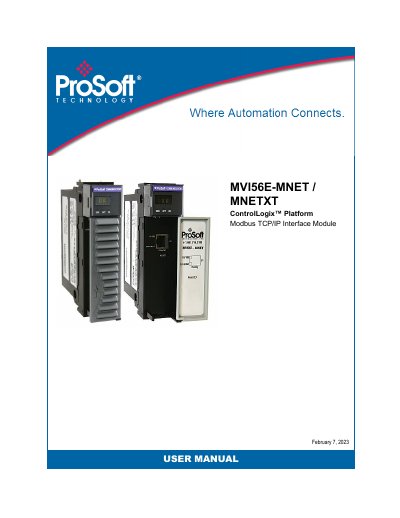

ProSoft Technology MVI56E-MNET/MNETXT Modbus TCP/IP Interface Module User Manual - cover page
Brand
ProSoft Technology
Category
Industrial Robot
Document type
User Manual
Language
English
Pages
153
File format
PDF
File size
2.7 MB
Published
17 October, 2026
Updated
17 October, 2026
MD5 checksum
BCFA4B860EC02472D14748475472FCD4

About this manual

This document serves as the official user manual for the MVI56E-MNET and MNETXT ControlLogix Platform Modbus TCP/IP Interface Modules. It provides comprehensive instructions for system requirements, package contents, physical installation, and software configuration using ProSoft Configuration Builder. The guide details how to create RSLogix 5000 projects, import sample add-on instructions, and download programs to the processor.

What's inside

  • System Requirements
  • Installing the Module in the Rack
  • Using ProSoft Configuration Builder
  • Creating a New RSLogix 5000 Project
  • Ladder Logic and Controller Tags
  • Diagnostics and Troubleshooting
  • Modbus Protocol Specification
  • Ethernet Cable Specifications
  • Support and Warranty

Specifications

Product TypeModbus TCP/IP Interface Module
Platform CompatibilityControlLogix™ Platform
Document DateFebruary 7, 2023

Frequently asked questions

What is the purpose of the MVI56E-MNET module?

It is a Modbus TCP/IP Interface Module designed for the ControlLogix™ platform.

Which software is used to configure the module?

The module is configured using ProSoft Configuration Builder software.

What programming environment is used for the sample program?

The sample program is opened and managed in RSLogix 5000.

Download PDF (2.7 MB)