
Baxter is a new collaborative robot developed by Rethink Robotics. It is safe, economical and powerful. It is widely used in the fields of mechanical arm motion planning, dual arm flexible cooperative control, machine vision, human-machine interaction and other research and teaching activities.
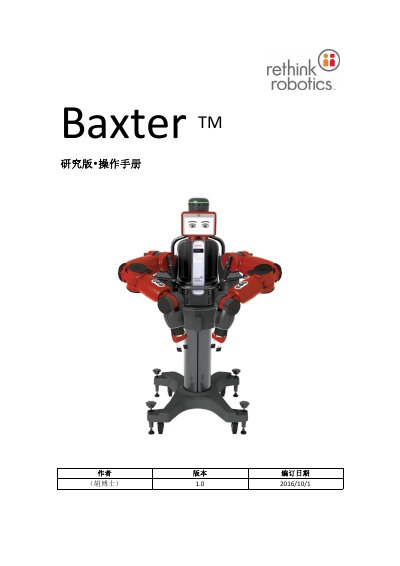
This Chinese-language operation manual, version 1.0 dated 2016/10/1, covers setup and first use of the Rethink Robotics Baxter collaborative research robot. The text describes Baxter as a collaborative robot from Rethink Robotics (Boston, USA) that ships with a software development kit (SDK) based on ROS (Robot Operating System). The manual is split into three parts: Baxter setup, workstation setup, and running an example.
The setup part lists the required hardware, explains how to choose a suitable workspace with reference to workspace diagrams, mount the robot body on its pedestal, install the electric or pneumatic gripper, and connect the emergency stop switch and power. The workstation part walks through installing Ubuntu, ROS and the SDK, and the final part runs the Hello Baxter example: enabling the robot, running a sample program, and interactive Python programming using the baxter_interface module, with commands such as ssh ruser@
| ROS distribution | Indigo |
|---|---|
| Default SSH login for the robot | ruser, default password rethink |
| Robot configuration | Dual arm |
Baxter is supplied with a software development kit (SDK) based on ROS (Robot Operating System). The manual installs Ubuntu, ROS and the SDK on a workstation before running the robot.
From the workstation, source baxter.sh and run the enable_robot.py tool with the -e option. The robot then enters a zero-gravity mode when the film button on the wrist is held.
Log in as ruser at the robot's ROS Master host name; the default password is rethink.
The setup sources the Indigo ROS distribution, as shown in the command that sources setup.bash under /opt/ros/indigo.