
This tutorial will show you how to use the Annotation tool in Photoshop.
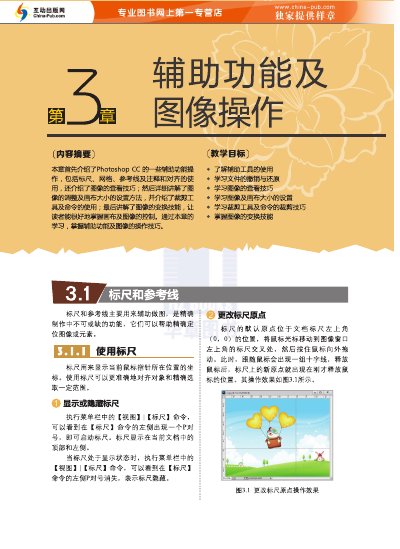
This is a sample chapter from a Chinese-language Photoshop CC tutorial book. It introduces the auxiliary tools used for precise image work, including rulers, guides, smart guides, grids, and the ruler tool.
The chapter explains how to show, hide, create, move, lock, and delete rulers and guides, how to align objects to guides and grids, and how to use the ruler tool to measure distances and angles. It forms part of a chapter on auxiliary functions and image operations. This manual is written in Chinese.
Choose View > Rulers from the menu bar; the ruler then appears at the top and left of the document window.
Yes, the ruler tool can measure both the distance between two points and the angle of an object.