
This is the user manual of Peerless-AV® Waterproof Universal Remote Control, containing the remote control buttons, battery installation, device table, programming codes etc.
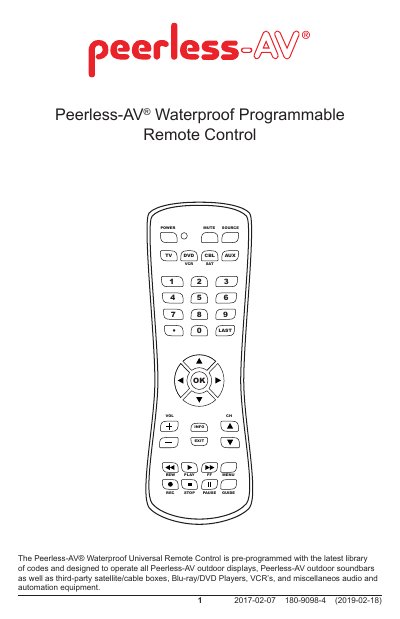
This user manual describes the Peerless-AV Waterproof Universal Remote Control, model 180-9098-4, which is pre-programmed with a library of codes to operate Peerless-AV outdoor displays and outdoor soundbars as well as third-party satellite/cable boxes, Blu-ray/DVD players, VCRs, and miscellaneous audio and automation equipment.
The manual includes a button guide for the universal remote and for the Peerless-AV Outdoor Soundbar, battery installation and replacement instructions, a device table, step-by-step programming procedures using device codes or code searching, and manufacturer's setup code lists for cable boxes, satellite receivers, TVs, VCRs, DVD/DVR/Blu-ray players, CD/LD, home automation, and PVR devices.
| Battery type | Two 1.5V AAA batteries |
|---|---|
| Code length | 3-digit codes |
| Peerless-AV soundbar code | 079 |
Remove the two screws from the battery holder, pull the holder out of the bottom of the remote, insert two new 1.5V AAA batteries with correct polarity, then reinsert the holder and tighten both screws all the way to maintain the waterproof seal without over tightening.
Turn on the device, press and hold the device button (TV, DVD, CBL, or AUX) together with OK for 2 seconds until the Red LED illuminates, enter the 3-digit manufacturer's code, then press the device button; the Red LED blinks twice when programming succeeds.
Use the code search method: press and release the CH Up button repeatedly until the device turns off, then press the device button to save the code.
The AUX button controls the Peerless-AV Xtreme Outdoor Soundbar as well as CD, LD, Home Automation, and PVR devices.