
Peerless-AV Waterproof Programmable Remote Control is a waterproof remote control launched by Peerless-AV. It can control Peerless-AV displays and Xtreme soundbars, as well as third-party satellite and cable boxes, Blu-ray players and DVD players, VCRs, audio equipment, and various automation equipment.
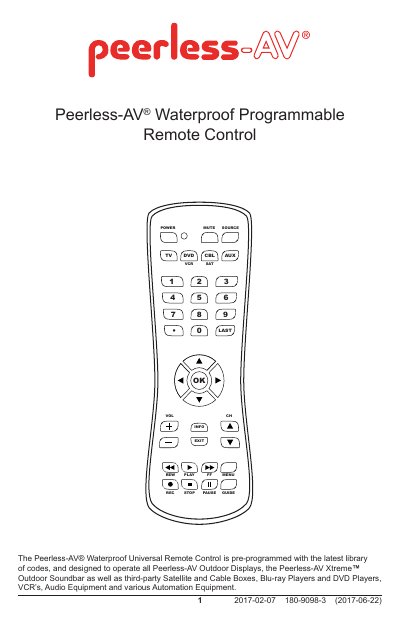
This manual provides instructions for programming and using the Peerless-AV Waterproof Programmable Remote Control. It includes a guide to button functions, battery installation, and a comprehensive table of device codes for TVs, DVD players, cable boxes, satellite receivers, and more. The remote is pre-programmed with codes for Peerless-AV Outdoor Displays and Xtreme™ Outdoor Soundbar, and can be customized for third-party devices using manufacturer codes or code search methods.
The manual also details how to replace batteries and troubleshoot issues like non-responsive devices, with step-by-step procedures for both code-based programming and searching for compatible codes.
Remove the two screws from the battery holder, pull it out, remove the batteries, insert two new 1.5V AAA batteries with correct polarity, reinsert the holder, and tighten the screws to maintain a waterproof seal.
It can control Peerless-AV Outdoor Displays, Peerless-AV Xtreme™ Outdoor Soundbar, third-party Satellite and Cable Boxes, Blu-ray Players, DVD Players, VCRs, Audio Equipment, and various Automation Equipment.
Turn on the device, press and hold the device button and OK button for 2 seconds, enter the first 3-digit code for your device, press the device button again, then press power to test. Repeat with next code if device doesn’t respond.