
This document is a user manual of Talon Foot Switch. It introduces the features and usage of the product.
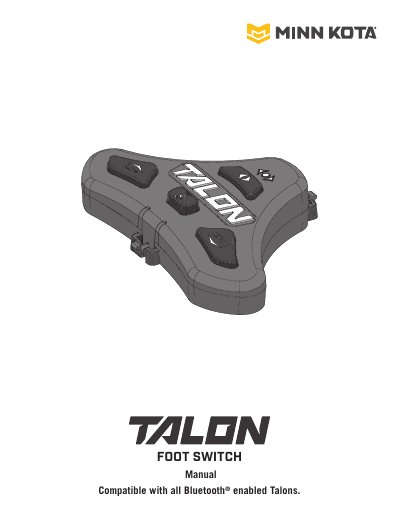
The Minn Kota Talon Foot Switch is a Bluetooth-enabled, waterproof foot switch that lets you raise and lower the Talon spike and control up to two Talons, independently or simultaneously. The manual explains its buttons and LEDs, gives safety considerations for operating the Talon, and describes how to mount the switch to the deck of a boat with the supplied hardware.
The document also covers pairing the Foot Switch to a single Talon or to two paired Talons, selecting which Talon to control with the Talon Selection button, and using the Anchor Mode, Auto Up/Auto Down and Work Light functions. For pairing two Talons together and programming their mounting locations, it refers the reader to the Talon Owner's Manual.
| Compatibility | Compatible with all Bluetooth enabled Talons |
|---|---|
| Talons controlled | Up to two Talons |
| Serial number format | 11 characters |
| Pairing mode duration | 20 seconds |
| Mounting hardware | Three #8 x 1.0" screws |
It can control up to two Talons, either independently or simultaneously, when two Talons are installed on the boat.
After fully retracting the Talon, press and hold the Up and Down buttons on the Foot Switch until the LEDs scroll, then immediately press and hold the Up and Down buttons on the Talon Indicator Panel.
The Talon and Foot Switch go into Pairing Mode for 20 seconds; three fast beeps mean pairing succeeded.
The Talon Selection Indicator LEDs show it: the right LED is lit for the Starboard Talon, the left LED for the Port Talon, and both arrows when both are selected.