
GDCT 800 Remote Control Configuration Guide

GDCT 800 remote control configuration guide, including DVB box and TV configuration instructions
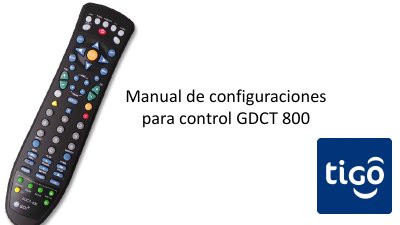

GDCT 800 Remote Control Configuration Guide - cover page
Category
Other Electronics
Document type
User Manual
Language
Spanish
Pages
6
File format
PDF
File size
1.2 MB
Published
03 November, 2023
Updated
03 November, 2023
MD5 checksum
43D29FEF11C33736ED4F1E3D1EC4C36E

About this manual

This guide explains how to configure the GDCT 800 remote control for a DVB box or a TV. It gives button-press steps and includes a list of TV brand codes.

The DVB box setup uses a 3-second press of the CABLE button followed by code 4112, while TV setup starts with a 3-second press of the TV button. This manual is written in Spanish.

What's inside

  • Configuracion para Caja DVB
  • Configuracion para TV
  • TV brand code list

Frequently asked questions

How do I configure the GDCT 800 remote for a DVB box?

Press the CABLE button for 3 seconds, then enter code 4112.

How long must the CABLE button be pressed for DVB box setup?

Press it for 3 seconds.

How do I start configuring the remote for a TV?

Press the TV button for 3 seconds.

Download PDF (1.2 MB)

Also Manuals