
This document is the user manual for remote control
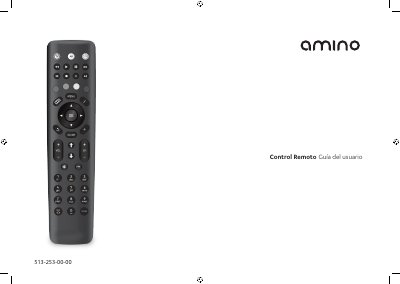
This Spanish-language guide covers the Amino remote control used with AmiNET products. It explains the remote's buttons, battery installation, and how to program the remote to control a television by brand code or automatic search.
The guide also describes key assignment, changing or canceling TV control, brand code tables, and important battery-use and disposal information. It includes instructions for entering a four-digit TV manufacturer code and for ending TV control setup with Text/SHIFT and STOP. This manual is written in Spanish.
| Battery type | 2 AAA batteries |
|---|---|
| TV manufacturer code length | 4 digits |
| Button press transmission timeout | Stops transmitting after 30 seconds |
| Automatic TV code search time | Up to 5 minutes in some cases |
It uses two AAA batteries, which must be inserted with the correct polarity.
Hold buttons 1 and 3 together for about three seconds until the TV power button stays on, then enter the TV's 4-digit manufacturer code.
Hold buttons 1 and 6 together for about three seconds, then enter the sequence 9 9 6.
Keep holding that key; the remote cycles through alternative settings, and you release the key when the TV responds correctly.