
This document is the user manual for the AMINO remote control. It introduces the basic functions and operations of the remote control, as well as how to use the remote control to control the TV and set-top box.
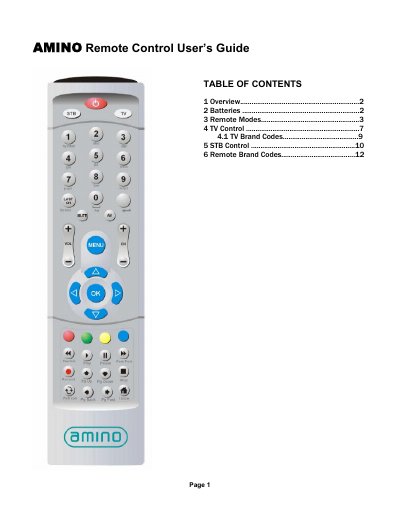
The Amino remote control is a universal remote that works with televisions and Amino set‑top boxes. It runs on three AAA batteries (MN2400, UM‑4 or LR03) and offers two operating modes – TV and STB – selectable via a button on the top of the remote.
The manual details how to program TV brand codes using a three‑digit code, how to use the remote in TV and STB modes, and includes a comprehensive list of TV brand codes for many manufacturers.
| Battery type | 3 AAA (MN2400, UM-4 or LR03) |
|---|---|
| Operating modes | TV mode and STB mode |
It requires three AAA batteries; compatible types are MN2400, UM‑4 or LR03, with alkaline batteries recommended for best performance.
Press the TV or STB mode‑select button at the top of the remote; the button lights for one second to confirm the mode.
The TV button will flash rapidly; re‑enter the correct code or try another code listed for the TV make.