
Revo Studio is a 3D point cloud model post-processing software that can process single or multiple 3D models generated by Revo Scan, especially the alignment and fusion function can merge multiple models into a new 3D model.
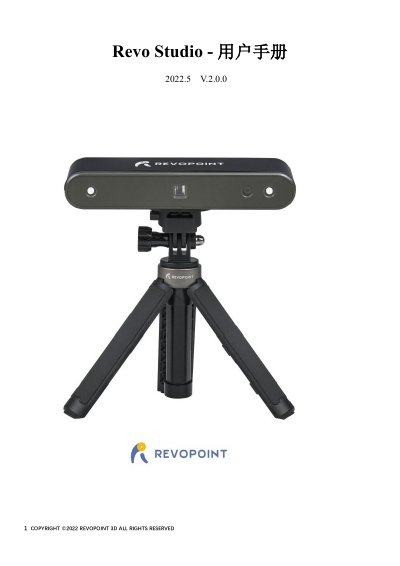
Revo Studio V.2.0.0 is a 3D point cloud model post-processing software developed by the Revopoint team. It can process single or multiple 3D models generated by Revo Scan scanning, and its alignment and fusion function can merge multiple models into one new 3D model. The manual lists system requirements for Mac and Windows, including at least 8 G of memory, and notes that installation requires registration and authorization.
The main interface section describes the main function buttons, undo and redo, function category tabs, shortcut toolbar, center display window, 3D model information, operation tips, and parameter setting bar. Model processing covers editing, point cloud, mesh, alignment and fusion, view, and help functions, including selection and clipping tools, smoothing, simplification, hole filling, conversion between point cloud and mesh, and alignment by features or marker points. This manual is written in Chinese.
| Operating system (Mac with Intel chip) | Mac OS 10.15 or above |
|---|---|
| Operating system (Mac with Apple M1 chip) | MacOS 11.0 or above |
| Operating system (Windows) | Win 8/Win 10 (64-bit) |
Mac OS 10.15 or above.
It can merge multiple models into a new 3D model.
It contains rectangle selection, polygon selection, and set rotation center.