
Conduit® IOT Starter Kit for LoRa® Technology
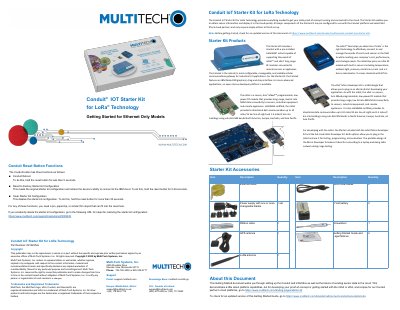
MultiTech's Getting Started guide for the Conduit IoT Starter Kit for LoRa Technology covers Ethernet-only models and lists the kit contents, including antennas, cables, power supply, batteries, and the Getting Started Guide and Legal Notices. It describes the Conduit reset button functions and the starter kit products: the Conduit with a pre-installed LoRaWAN mCard, the mDot Box with built-in sensors, the xDot Micro Developer Kit, and mDot developer kits.
The guide explains requirements, registering a DeviceHQ account, preparing Conduit hardware, and configuring the Conduit through its web interface. It also covers preparing the mDot Box, selecting region and demo mode, sending sensor data to the IBM Cloud Quickstart page, and using IBM Cloud charts.
| Part number | 82102254L |
|---|---|
| mDot line-of-sight range | Up to 10 miles/15 km |
| mDot indoor range | 1-3 miles/2 km |
| mDot Box built-in sensors | Temperature, ambient light, pressure, and electrical current |
| mDot Box accelerometer | 3-axis accelerometer |
| mDot Box GPS | Standard |
Hold the reset button for less than 5 seconds.
Enter https://192.168.2.1.
It sends sensor data every 10 seconds by default.
It is on the product label on the bottom of the Conduit.