
This document is the user manual for Woxter SmartFit 15 bracelet. It introduces the functions and features of the bracelet, as well as how to connect it to a mobile phone.
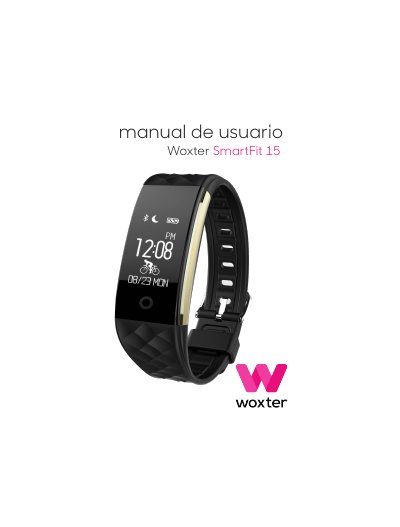
This manual explains how to use the Woxter SmartFit 15 fitness tracker, including safety warnings, charging instructions, pairing with a smartphone, and using features like heart rate monitoring and step counting. It also covers menu navigation, sleep mode, music and photo control, and troubleshooting tips for optimal performance.
The device supports Android 4.3 and iOS 7.0 with Bluetooth 4.0 or higher. It monitors heart rate in real time but is not a medical device. Users should consult a doctor before exercising. The battery lasts approximately 2 hours on charge and should be recharged every 3 months if not used for long periods. This manual is written in Spanish.
| Operating Systems | Android 4.3, iOS 7.0 |
|---|---|
| Bluetooth Version | 4.0 or higher |
| Battery Charge Time | Approximately 2 hours |
| Battery Maintenance | Recharge every 3 months if unused for long periods |
The device supports Android 4.3 and iOS 7.0 with Bluetooth 4.0 or higher.
It takes approximately 2 hours to fully charge the device.
Yes, it can monitor heart rate in real time, but it is not a medical device.
Turn on the device, open the Smart Wrist Band app, and follow the on-screen instructions to connect via Bluetooth.