
ELITE Series Wi-Fi® Garage Door Opener, this door security system can be connected to the phone and cooperate with the smart home system, control the opening and closing of the door by phone, set the timing to open and close the door, support automatic closing of the door when away, and need to install door magnetic sensors and safety reversing sensors when used, to ensure the safety of door closing.
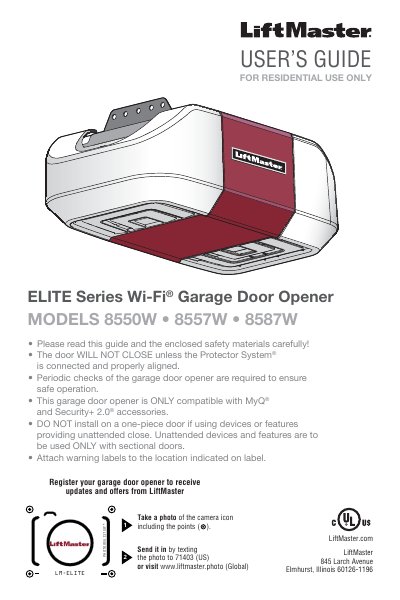
This LiftMaster ELITE Series Wi-Fi Garage Door Opener User's Guide provides safety instructions and setup information for the opener. It covers testing the Wi-Fi signal, connecting the opener to a home Wi-Fi network, and using the MyQ app.
The guide also covers remote control and wireless keyless entry programming, erasing memory, operation, adjustment, maintenance, troubleshooting, repair parts, and warranty. It notes that the opener is ONLY compatible with MyQ and Security+ 2.0 accessories and directs users to LiftMaster.com/Customer-Support for the complete manual.
| Wi-Fi frequency | 2.4 GHz required |
|---|---|
| Installation height | 7 feet (2.13 m) or more above floor |
| Emergency release height | At least 6 feet (1.83 m) above the floor |
| Compatible accessories | MyQ and Security+ 2.0 accessories |
| Wall control height | Minimum height of 5 feet (1.5 m) |
Use the Smart Control Panel, go to Menu > Program > Wi-Fi Setup, then follow the prompts after entering setup.myqdevice.com in your mobile browser.
Press and hold the LEARN button until the LED goes out (approximately 6 seconds). All remote controls and keyless entries are then erased.
The door must reverse on contact with a 1-1/2 inch high object, or a 2x4 laid flat, on the floor.
The garage door opener is only compatible with MyQ and Security+ 2.0 accessories.