
This document is the user manual for DALI Bluetooth modules
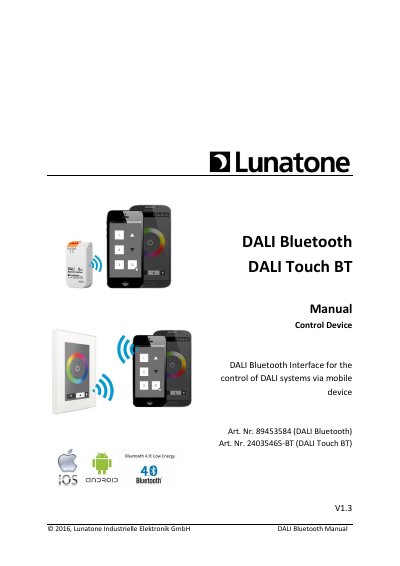
The DALI Bluetooth modules from Lunatone serve as interface devices between iOS or Android mobile devices and DALI lighting systems. The document details the functionality of the DALI-Touch App and the DALI Cockpit software tool used for layout configuration. It explains how to manage layouts, assign images, and configure general settings such as PIN access and proximity events.
| Supported Mobile OS | iOS or Android |
|---|---|
| Max Layouts | 32 |
| Max Buttons per Layout | 12 |
| Standard Layouts | 5 |
They are interface devices between iOS or Android mobile devices and DALI lighting systems.
Up to 32 layouts are supported, with a maximum of 12 buttons per layout.
Yes, the touchpanel-type offers an additional button for calibration of the physical touchpanel.