
This is the user manual for the OSAKA SOLUTIONS F 1 series digital cold and hot dual control defrost timer, which introduces the basic information, installation, use and maintenance of the product
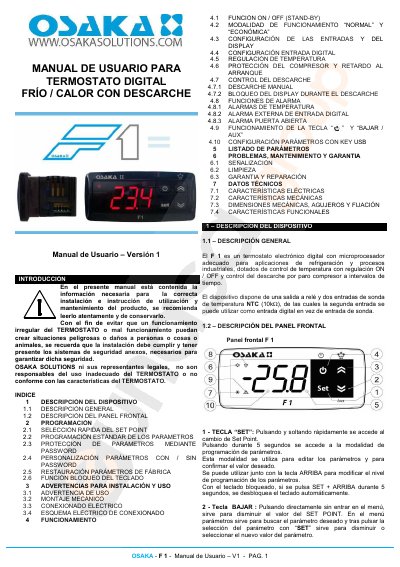
This is the Spanish user manual (version 1) for the OSAKA SOLUTIONS F 1, an electronic digital thermostat with microprocessor intended for refrigeration applications and industrial processes. It provides ON/OFF temperature regulation, timed defrost control by compressor stop, one relay output and two NTC (10k) temperature probe inputs, the second of which can be used as a digital input instead of a probe input.
The manual covers the front panel keys and LEDs, quick set point selection, standard parameter programming, password protection and factory reset, keypad lock, installation and electrical connection warnings, the ON/OFF (stand-by) function, normal and economic operating modes, input and display configuration, compressor protection and start delay, defrost control including manual defrost, alarm functions, parameter list and technical data. This manual is written in Spanish.
| Type | Electronic digital thermostat with microprocessor |
|---|---|
| Output | One relay output |
| Temperature inputs | Two NTC (10k) probe inputs |
| Temperature regulation | ON / OFF |
| Defrost control | By compressor stop at time intervals |
| Second input use | Can be used as digital input instead of probe input |
Press and release the SET key; the display shows "SP" (or "SPE") alternating with the programmed value, and the UP and DOWN keys change it. Press SET again to store the value, or wait 10 seconds.
Press SET for 5 seconds; the display shows the code of the first parameter and the UP/DOWN keys select the parameter to edit.
Switch off the power and power the device again while holding the SET key until the first parameter appears, then change the "t.PP" parameter.
Hold the UP/DEFROST key for 5 seconds to start or stop a manual defrost cycle.