
Key facts
- Manuals
- 1
- Languages
- ES
- Last added
- 2023-11-02
Featured OSAKA SOLUTIONS manuals
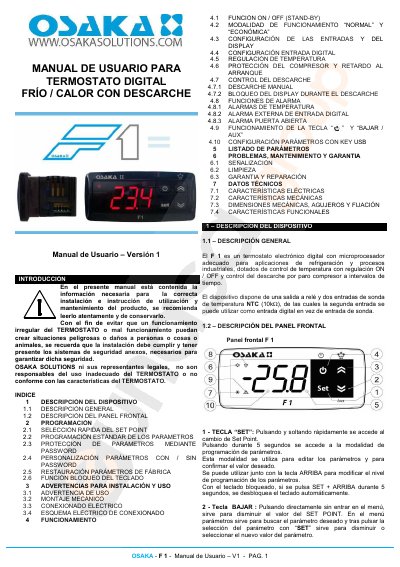
OSAKA SOLUTIONS F 1 Digital Cold/Hot Thermostat with Defrost User Manual
This is the Spanish user manual (version 1) for the OSAKA SOLUTIONS F 1, an electronic digital thermostat with microprocessor intended for refrigeration applications and industrial processes. It provides ON/OFF temperature regulation, timed defrost control by compressor stop, one relay output and two NTC (10k) temperature probe inputs, the second of which can be used as a digital input instead of a probe input.
The manual covers the front panel keys and LEDs, quick set point selection, standard parameter programming, password protection and factory reset, keypad lock, installation and electrical connection warnings, the ON/OFF (stand-by) function, normal and economic operating modes, input and display configuration, compressor protection and start delay, defrost control including manual defrost, alarm functions, parameter list and technical data. This manual is written in Spanish.
Covers: Descripción del dispositivo · Descripción del panel frontal · Selección rápida del Set Point · Programación estándar de los parámetros · Protección de parámetros mediante password · Restauración parámetros de fábrica
Latest OSAKA SOLUTIONS manuals
OSAKA SOLUTIONS F 1 Digital Cold/Hot Thermostat with Defrost User Manual
User Manual 10 pages · 495 KB · ESSpanish user manual for the OSAKA SOLUTIONS F 1 digital thermostat for refrigeration and industrial processes, with ON/OFF control and timed defrost.
Which document do I need?
User Manual
Day-to-day operation, settings and troubleshooting. Start here if the product is already set up.
Questions answered in OSAKA SOLUTIONS manuals
How do I change the set point quickly?
Press and release the SET key; the display shows "SP" (or "SPE") alternating with the programmed value, and the UP and DOWN keys change it. Press SET again to store the value, or wait 10 seconds.
From: OSAKA SOLUTIONS F 1 Digital Cold/Hot Thermostat with Defrost User Manual
How do I enter parameter programming?
Press SET for 5 seconds; the display shows the code of the first parameter and the UP/DOWN keys select the parameter to edit.
From: OSAKA SOLUTIONS F 1 Digital Cold/Hot Thermostat with Defrost User Manual