
This manual contains information on the installation, operation, and maintenance of SuperTAPP SG voltage control monitoring relays.
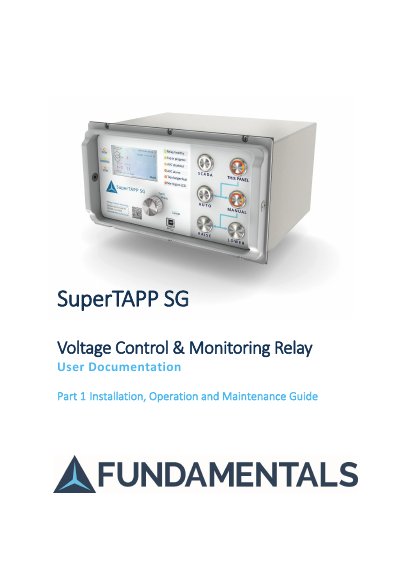
The SuperTAPP SG is a voltage control and monitoring relay manufactured by Fundamentals Limited in Swindon, UK. This document, reference FP1034-U-5 v4.3 (©2022), is Part 1 of the three-part user documentation set and applies to all SuperTAPP SG relay types; the other parts are the Technical Reference and the SCADA Communication Guide.
Part 1 is the Installation, Operation and Maintenance Guide. It covers safety information, the front panel, installation and wiring, basic operation screens, PC interface software, relay settings configuration, commissioning tests, problem diagnosis, routine maintenance, tap changer maintenance, and removal, replacement, decommissioning and disposal. A version history table lists hardware and software releases.
It is a voltage control and monitoring relay manufactured by Fundamentals Limited. This manual is Part 1 of its user documentation, the Installation, Operation and Maintenance Guide.
The hardware version is shown on the label in the bottom left-hand corner of the front panel. The relay type is printed as FP1034-XXXXXXXXXX-XHH, where the HH digits represent the hardware version.
The software version can be determined in the menu at Instruments/Diagnostics/Relay Information and is displayed on the first line.
The set has three parts: Part 1 Installation, Operation and Maintenance Guide, Part 2 Technical Reference and Part 3 SCADA Communication Guide.