
This is a user manual for a smart home system that covers all products in the product line, including smart air conditioners, smart home lighting, and multi-machine smart air conditioners
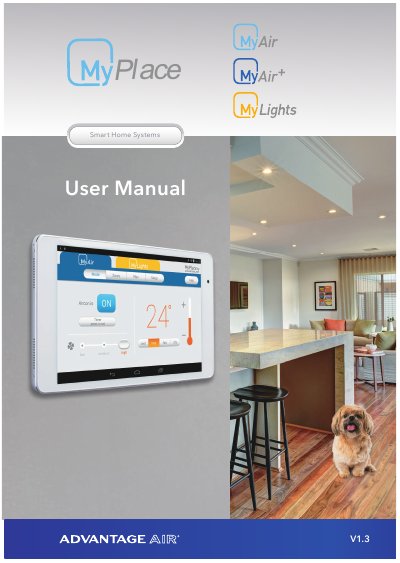
The Advantage Air MyPlace Smart Home System is controlled from a dedicated wall-mounted Android touch screen and can also be controlled from Apple or Android phones. The manual explains connecting the tablet and phones to a home WiFi network, downloading the MyPlace app, and using remote access outside the home.
It also covers remote-access status codes and troubleshooting, plus configuration screens for scenes, system setup, and the lights wizard.
| Apple iOS requirement | iOS 9 or greater |
|---|---|
| Android OS requirement | Android OS v4.2 or greater |
| Remote access enable time | up to 5 minutes |
| Remote access working status | AA26 |
The MyPlace Apple app requires Apple iOS 9 or greater.
The MyPlace Android app requires Android OS v4.2 or greater.
It can take up to 5 minutes before remote access is enabled.
AA26 indicates remote access should be working.