
介绍如何将SongBook+连接到雅马哈Genos键盘,提供5种连接方法,并详细介绍了连接方法的步骤和注意事项。
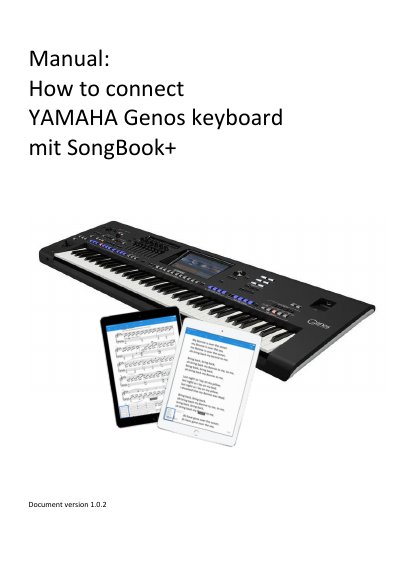
This manual, document version 1.0.2, describes how to connect the Yamaha Genos keyboard with the SongBook+ app. It explains the two directions of remote control: SongBook+ can send MIDI commands to select the matching registration on the keyboard when a song is opened, and selecting a registration on the Genos can make SongBook+ open the matching song and display its PDF file.
The main part covers the connection options: WiFi using the Genos built-in WLAN connector in Access Point Mode or in an existing network, a Bluetooth LE MIDI adapter, USB-MIDI directly to the keyboard, a USB to 5-pin MIDI adapter, or a MIDI adapter that connects directly to the iPad. Further chapters describe checking the MIDI connection with the MIDI button in SongBook+, the MIDI settings in SongBook+, linking a song to a registration, and what happens when registrations are moved or renamed in the keyboard.
| Genos IP address in Access Point Mode | 192.168.0.1 |
|---|---|
| Bluetooth LE MIDI support | iPad 3 or later |
The easiest way is WiFi in Access Point Mode: the keyboard creates its own WiFi network ("ap-Genos-..."), and you add the Genos IP address as host in the SongBook+ Wireless MIDI Client. Bluetooth LE MIDI adapters, USB-MIDI and MIDI adapters are described as alternatives.
No. The manual states that there are no specific MIDI settings required in the keyboard.
Enable MIDI-IN and MIDI-OUT in the SongBook+ MIDI settings and select "YAMAHA Genos Registrations (with link)" as control mode.
The link is broken, and you can re-link the registration or registration bank with the "Relink the song" function.