
This document is the user manual for TECHNIRadIo 2 DAB+/UKW/Internet radio.
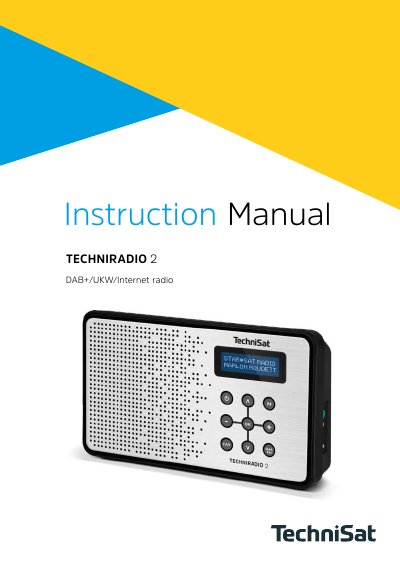
This manual explains safety precautions, parts, battery installation and disposal, clock setting, and getting started for the TECHNIRadio 2 DAB+/UKW/Internet radio. It also describes DAB mode functions such as automatic and manual scanning, pruning unavailable stations, secondary services, and factory reset.
| Batteries | 4 x AA 1.5V alkaline (not included) |
|---|---|
| Mains connection | Via supplied mains adaptor only |
| Ventilation clearance | 10 cm minimum |
| Antenna | Telescopic |
It uses 4 x AA 1.5V alkaline batteries, which are not included.
Ensure the antenna is fully extended or try moving the radio to another location, then repeat the setup steps.
Press the DAB/FM button to switch to FM radio, and press it again to return to DAB.