
Bolero 32 and Bolero 43 User Manual, introduce the machine's parts, functions, installation, use and maintenance
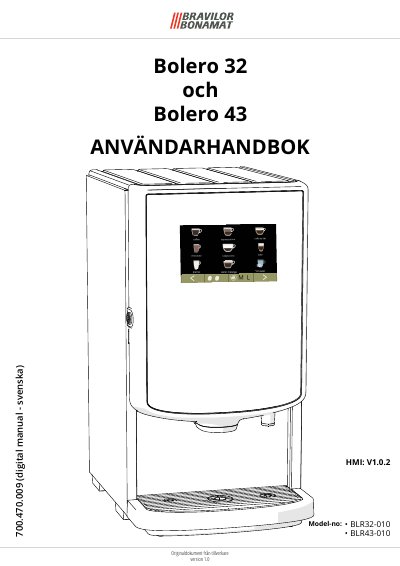
This manual provides detailed instructions for operating and maintaining the Bolero 32 and Bolero 43 coffee machines. It covers setup, drink customization, daily and weekly cleaning, programming menus, and troubleshooting. The manual includes sections on water filter installation, calibration, safety features, and special functions like quick cleaning and demo mode.
The document is in Swedish and includes diagrams and step-by-step guidance for users to configure the machine, manage ingredients, adjust settings, and handle maintenance tasks such as descaling and pump calibration. This manual is written in Swedish.
| Model Numbers | BLR32-010, BLR43-010 |
|---|---|
| Language | Swedish |
Install the water filter and notify Bolero as described in section §5.1.3 on page 25.
Pressing S M L on the drink selection screen for 5 seconds activates quick cleaning with 90 ml of hot water per mixing system.
Use the option in the Machine Menu under §5.3.13 on page 90.