
Dingdong Smart Doorbell is a visual doorbell that can view the situation outside the door in real time via mobile APP, video call visitors, and share it with other users.
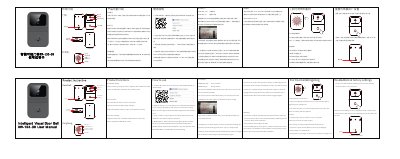
Dingdong XW-133-D9 Intelligent Visual Door Bell User Manual explains how to install and use the doorbell. It covers app download and registration, device binding over 2.4 GHz Wi-Fi, pairing the doorbell with the Dingdong chime, reset and factory restore, sharing access with up to nine users, low-battery warnings, and push-notification behavior.
The manual also lists operating warnings, such as using the product in good Wi-Fi signal and testing before installation, and includes an FCC compliance statement.
| Battery | 4 AA batteries |
|---|---|
| Wi-Fi band | 2.4 GHz only (not 5G) |
| Maximum shared users | 9 |
Up to nine users can share it, but only one person can answer at a time.
No, it supports only 2.4 GHz Wi-Fi.
It uses 4 AA batteries.
Press and hold the doorbell key for ten seconds until it says reset succeeded; for factory restore, remove the doorbell and press the black button in the reset pin hole.