
This document introduces the use of RSLogix 5000 Unidrive M AMC Add-On Instruction.
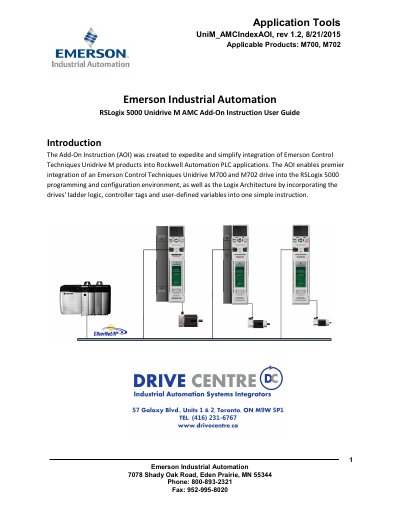
This document describes the UniM_AMCIndexAOI Add-On Instruction for integrating Control Techniques Unidrive M700 and M702 drives into Rockwell Automation RSLogix 5000 PLC applications. It lists supported functions such as homing, jogging, indexing, status and diagnostics, current limit control, motor brake control, over-travel limits, and following error detection.
The guide covers requirements, I/O wiring, setting the drive IP address, checking and updating firmware, configuring the drive with Unidrive M Connect, running autotune, testing drive and motor setup, downloading the AOI macro file, and configuring Ethernet communication and loading the AOI into the PLC program using RSLogix 5000.
| Applicable drives | Unidrive M700 and M702 |
|---|---|
| Minimum drive firmware | 1.11 or greater |
| Minimum Ethernet firmware | 1.04 or greater |
| Configuration software | Unidrive M Connect version 2.2.0 or greater |
| PLC compatibility | Allen-Bradley ControlLogix or CompacLogix PLC with Ethernet interface |
| RSLogix 5000 version | Version 16 or greater |
| Ethernet cable | CAT5E minimum |
| Ethernet module assembly instance | Input and Output Assembly Instance 100 and 101; size 11 & 20 |
The guide lists Unidrive M700 and M702 as the applicable products.
The minimum drive firmware is 1.11 or greater.
An Allen-Bradley ControlLogix or CompacLogix PLC with an Ethernet interface is required.
Motion starts on the rising edge of the control signal becoming true.