
Step-by-step guide for installing, wiring, configuring and running a Control Techniques Commander S100 drive, with safety information and troubleshooting.
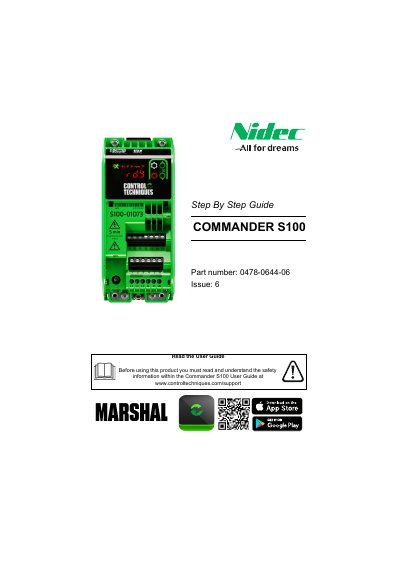
This Step By Step Guide covers the Control Techniques Commander S100 drive. It explains how to install the drive, wire it using appropriate fuses and cables, configure it through the keypad or the Marshal mobile app, and run the motor.
It also includes important safety information, drive features, default control terminal connections, fuse/MCB and cable selection tables, and troubleshooting for restoring factory defaults or handling faults.
| Operating ambient temperature | -10 °C to 40 °C (14 °F to 104 °F) |
|---|---|
| Supply voltage range (100 V drives) | 100 to 120 V ±10% |
| Supply voltage range (200 V drives) | 200 to 240 V ±10% |
| Supply voltage range (400 V drives) | 380 to 480 V ±10% |
The Commander S100 is compatible with the Marshal mobile app, available from Google Play and the App Store.
Ensure the drive is not enabled, then set P4.01 to 1 for 50 Hz defaults or 2 for 60 Hz defaults.
For a single-phase supply, connect the supply to L1 and L2.
Remove the Run Forward (T13) or Run Reverse (T14) signal to stop the motor using the selected deceleration rate.