
This manual introduces the connection method of C0129-10 Tamper-Resistance Intelligent photoelectric smoke sensor.
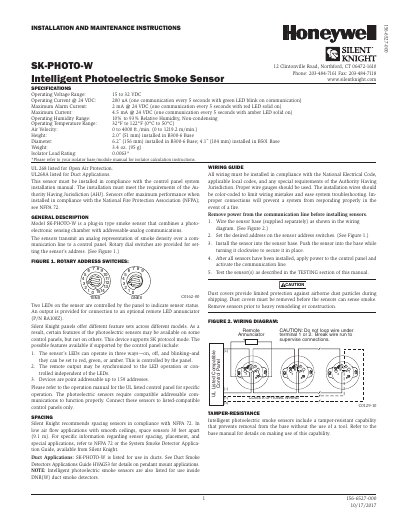
This document provides installation and maintenance instructions for the Silent Knight SK-PHOTO-W intelligent photoelectric smoke sensor, including wiring, address switch setup, spacing, testing, and cleaning procedures.
It also lists product specifications, approved aerosol smoke test products, tamper-resistance information for C0129-10 sensors, and an FCC statement.
| Operating Voltage Range | 15 to 32 VDC |
|---|---|
| Operating Current @ 24 VDC | 200 uA |
| Maximum Alarm Current | 2 mA @ 24 VDC |
| Maximum Current | 4.5 mA @ 24 VDC |
| Operating Humidity Range | 10% to 93% Relative Humidity, Non-condensing |
| Operating Temperature Range | 32°F to 122°F (0°C to 50°C) |
| Air Velocity | 0 to 4000 ft./min. |
| Height | 2.0 in. (51 mm) installed in B300-6 Base |
| Diameter | 6.2 in. (156 mm) in B300-6 Base; 4.1 in. (104 mm) in B501 Base |
| Weight | 3.4 oz. (95 g) |
Rotary dial switches are provided for setting the sensor's address.
It can be tested with a magnet test or with canned aerosol simulated smoke.
Smoke detectors are not to be used with detector guards unless the combination has been evaluated and found suitable for that purpose.
Remove the sensor, remove the cover, vacuum the screen, clean the sensing chamber, reinstall the cover, and reinstall the detector.