
This document is the user manual for UNI-5, which introduces the operation and maintenance methods of the product.
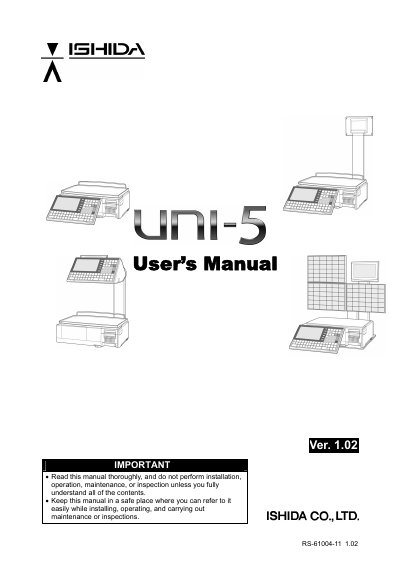
This is the User's Manual for the ISHIDA UNI-5, version 1.02, document number RS-61004-11. It provides before-use information, specifications, model variations, and adjustment-mode procedures.
The manual lists operating conditions, power, weight, weighing capacity, accuracy, displays, printing, label size, interfaces, and program storage. It also explains date/time adjustment, touch-panel calibration, display checks, and text editing in the appendix.
| Operating temperature | 5 to 35°C |
|---|---|
| Operating humidity | 30 to 85%, non-condensing |
| Power supply | AC100–240V, 50/60Hz |
| Power consumption | 1.0 A / 0.5 A |
| Weight (bench type) | Approx. 11.5 kg |
| Weighing capacity | 15 kg: 0 to 6/0.002 kg, 6 to 15/0.005 kg |
| Weighing accuracy | 1/3000 |
| Operator/customer display | 7.0 inch color, monochrome liquid crystal with back light, 480 X 234 dots |
| Printing method | Direct thermal method |
| Thermal head | 2 inches (448 dots) and 8 dots/mm |
| Printing speed | 100 mm/second, 120 mm/second |
| Printing effective size | 56 mm |
| Label width | 30 mm to 60 mm |
| Label length | 20 mm to 150 mm |
| Number of label cassettes | 7 cassettes |
| LAN interface | 1 channel |
| USB interface | 1 channel |
| CF interface | 1 channel |
| Drawer interface | 2 channels |
| Program store medium | Flash ROM (32 M bytes) |
On the initial screen, press the MODE key, then press the ADJUST button on the Operation Mode screen.
On the Time/Date Set screen, enter a new date or time, press the DATE or TIME field, then press SET and EXEC.
Open Touch Panel, press the upper-left [+] and lower-right [+] buttons, then press SET to confirm calibration.
Press DISPLAY CHECK, adjust vertical brightness with [-] or [+], then press HORIZONTAL for the horizontal check.