
GR100EX Handheld Thermal Imager Quick Start Guide
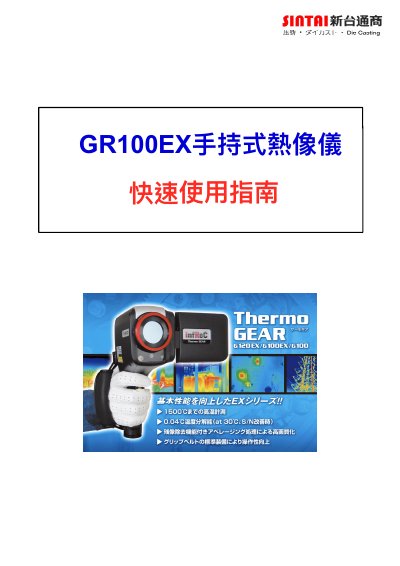
This quick start guide introduces the Nippon Avionics GR100EX handheld thermal imager. It shows the instrument appearance, package contents, button functions, and display indications.
The guide also notes features such as high-temperature measurement, 0.04°C temperature resolution, image averaging with afterimage removal, and a standard grip belt. This manual is written in Chinese.
| Temperature resolution | 0.04°C |
|---|---|
| Temperature display units | Celsius or Fahrenheit |
| USB interface | USB Mini-B |
A short press switches operation between RUN (thermal image capture) mode and FREEZE mode.
A short press automatically adjusts the temperature scale, and holding it enters auto gain mode.
It switches between thermal image, visible image, and composite image modes.
Yes, the unit can display temperature in Celsius or Fahrenheit.